Pentair · ScreenLogic2
Pentair ScreenLogic2
The box that puts an EasyTouch or IntelliTouch on your phone: the three kits, wiring it, resetting the adapter, and where Pentair's part numbers disagree.
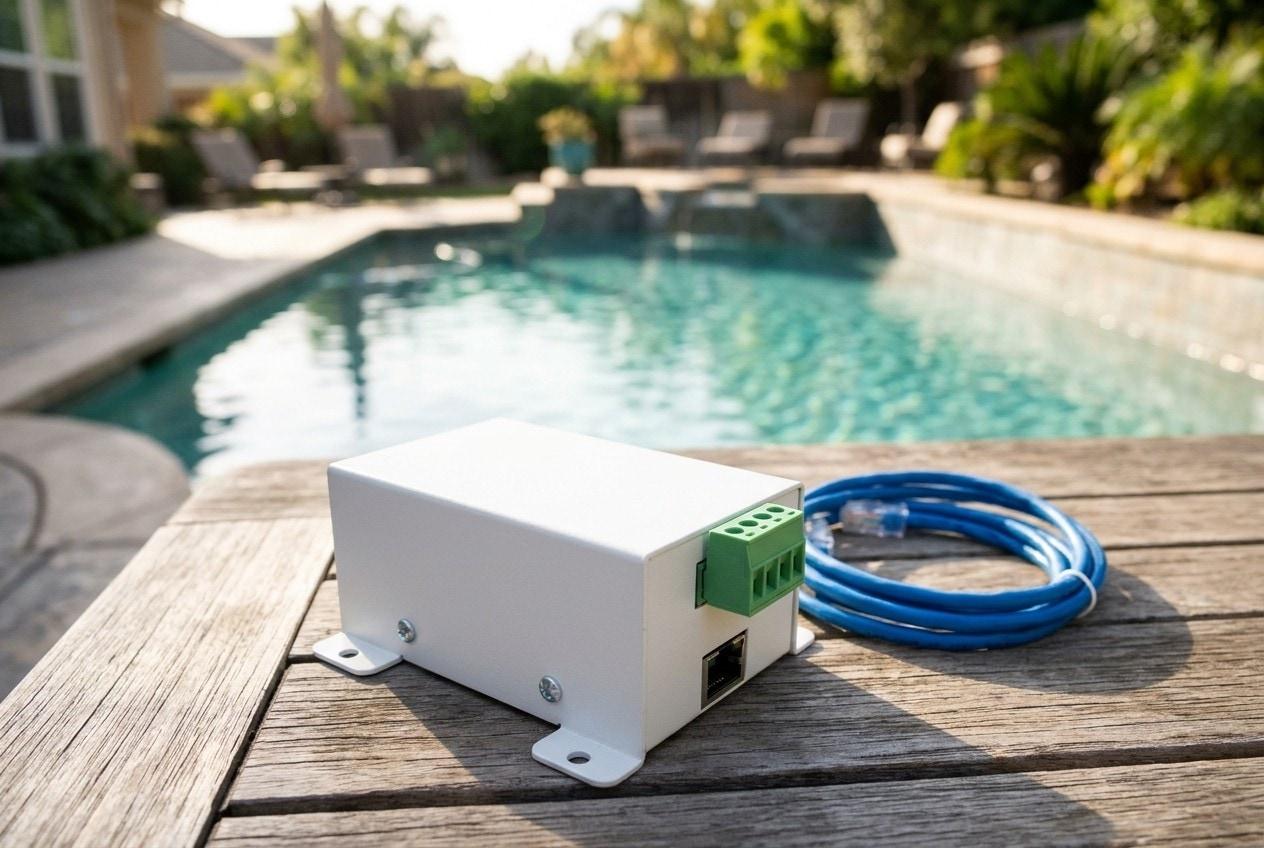
ScreenLogic2 is the box that puts a Pentair EasyTouch or IntelliTouch panel on your phone. A small protocol adapter sits in the house next to your router. It connects to the load center at the pad, either by a four-wire cable or by a radio kit, and to the router by an Ethernet cable. The free ScreenLogic app does the rest.
Pentair discontinued the IntelliTouch in July 2023 and the EasyTouch in September 2023. If yours is still running, Pentair's product page still sells ScreenLogic2 for it, through dealers. The automation guide covers the upgrade kits Pentair sells for both.
Three kits
- 522104, the bundle: the protocol adapter, 520500, and the wireless connection kit, 522620. Pentair's guide calls it the easiest and most cost-effective way to add phone and tablet control.
- 520500, the adapter only: for a four-wire cable run from the load center into the house.
- 520639, the high-powered wireless kit: two radio transmitters, for large properties where the standard 522620 doesn't work.
All three are dealer only. Pentair's documents list kits, not the parts inside them. None of the three is in Pentair's 2025-2026 catalog. The catalog lists a different number, 523434, covered at the bottom of this page.
Wired or wireless
Wired: a four-conductor 22 AWG cable runs from a COM port in the load center to the adapter. On an IntelliTouch, that's J7 or J8 on the personality board. On an EasyTouch, it's J20, on top of the circuit board. The colors match at both ends:
- Black: ground
- Green: minus data
- Yellow: plus data
- Red: plus 15 volts
The guide warns not to short the red or black wire to the green or yellow. That can permanently damage the board. Reverse the ground and the 15 volts, and the system won't run.
If there's already an indoor control panel in the house, the guide says the adapter can tap into that panel's four-wire cable. That saves running a new one from the pad.
Distances: the four-wire cable can run up to 1,500 feet, and the Ethernet cable to the router up to 300 feet. So you can put the adapter near the pad with a long Ethernet run, or near the router with a long four-wire run.
Wireless: the 522620 kit replaces the four-wire cable with a radio link, and the 520639 does the same over a longer reach. Pentair's 2006 guide for the wireless kit describes two 900 MHz transceivers, one at the pad and one at the adapter. The outdoor one mounts on a flat vertical surface near the load center, at least 5 feet off the ground.
Where the adapter goes
Indoors, somewhere dry, near your modem. Your router does the wireless part. The guide gives it a range of about 150 feet, and says each wall or ceiling can cost from 3 to 90 feet of it. Its tips:
- Put the router in the room nearest the pool, or where you'll use the app most.
- Keep it 3 to 6 feet from microwaves, monitors, motors and other electrical noise.
- 2.4 GHz cordless phones and X-10 devices can drag the connection down.
- With several wireless controllers, such as a MobileTouch or QuickTouch remote, keep their transceivers at least 6 feet apart.
The guide also says you don't need the internet to use ScreenLogic2 on your home network. You need it to reach the pool from away.
Starting it up
Switch the load center on, and the adapter's red power light comes on. It takes its power from the COM port, so there's nothing to plug in. Then connect it to your router.
It gets its network address from the router automatically, by DHCP. A static address can be set in the setup program.
It reads the panel's setup when it starts and every 30 minutes after that. So if you change circuits, pumps or schedules at the panel, the app may not show it for up to half an hour. The guide's quick fix is to cycle the adapter's power.
When the app can't connect
The guide's steps for an app stuck on Looking for controller for more than 60 seconds:
- Make sure your phone or tablet is on your Wi-Fi. A full restart of the device is often the easiest fix.
- Restart the adapter and the router. The adapter has a recessed reset button: press it with a paper clip. Unplug the router and plug it back in.
- Check the wiring between the adapter and the load center.
After you change your router or network, the adapter can drop off your network. Press its reset button three times within five seconds, about half a second apart. That sets it back to DHCP, and the router can find it again.
Pentair's 2013 letter to ScreenLogic owners gave one more fix: unplug the green screw terminal connector for 10 seconds, plug it back in, and wait a minute before connecting. The letter says that resolves most problems.
Features that need current firmware
The guide says ScreenLogic2 works with every version of the EasyTouch and IntelliTouch. On older panel firmware, some features won't work: 12 lights, dimmer modules, IntelliFlo pumps, the IntelliChem controller and third-party chlorinators. Pentair's advice is to ask your pool builder or Pentair about a firmware update if you need them.
How many phones
One adapter per system. Up to four phones, tablets or computers can use it at once.
The apps and the desktop software
The app is free from the App Store and Google Play: search for Pentair. Pentair also offers desktop software for PCs and Macs, version 5.2.738, released March 26, 2019. Pentair says the Mac desktop version doesn't work on macOS Catalina, though the iPhone and iPad apps aren't affected.
Where you buy it
Pentair's page sells all three kits through dealers only, though the 522104 bundle and both other kits have Amazon listings too. None is on Pentair's TradeGrade list. The warranty is one year, on Pentair's row for automation equipment, with labor when it's professionally installed. Bought online, it's one year, parts only.
Where Pentair's documents disagree
- 523434. The 2023 guide calls it the ScreenLogic wireless bundle, with the protocol adapter and a high-power wireless kit. The 2025-2026 catalog lists it as the ScreenLogic wireless connect kit with the IntelliTouch and EasyTouch parts, and as a 900 MHz wireless Ethernet link with the IntelliCenter parts. The product page's bundle is 522104, and the catalog doesn't list 522104 at all.
- 522620. The product page calls it the wireless connection kit. Pentair's EasyTouch parts sheet calls it the ScreenLogic wireless transceiver, from mid-2016.
- Where the outdoor transceiver goes. The 2006 wireless kit guide says to install it within 10 feet of the load center in one place. In another, it says to mount it 10 feet away from the load center, from any metal, and from an air blower.
Which model do you have?
The model number is on the interface label. Everything else in the range is shared — these are the parts that change with it.
| Model | SKU | Protocol adapter | Link to the panel |
|---|---|---|---|
| ScreenLogic bundle | 522104 | Included in kit | Wireless, 522620 kit |
Note on ScreenLogic bundle: The protocol adapter, 520500, and the wireless connection kit, 522620, together. Pentair's guide calls it the easiest and most cost-effective way to add phone and tablet control. Dealer only. | |||
| Protocol adapter only | 520500 | Included in kit | Four-wire cable |
Note on Protocol adapter only: For a four-wire cable run from the load center into the house. Dealer only. | |||
| High-powered wireless connection kit | 520639 | Not listed | Wireless, high-powered |
Note on High-powered wireless connection kit: Two radio transmitters, for large properties where the standard 522620 kit doesn't work. Pentair's description doesn't list an adapter with it. Dealer only. | |||
Pentair ScreenLogic2 warranty
1 year parts, Included when bought from a store, builder or service company and professionally installed labor
One year: Pentair's warranty table gives all automation equipment one year, except the IntelliCenter upgrade kit and the SunTouch and SolarTouch systems. Pentair's page sells all three kits through dealers only, though none is on its TradeGrade list, revised October 23, 2026. Bought online, even from an authorized online reseller, Pentair's warranty page gives one year, parts only.
Manufacturer’s termsBuy the interface
Pentair ScreenLogic2 parts, and what goes wrong
Read off the manufacturer’s parts list and checked before it ships. Open a row for what a bad one actually does — or start from the symptom and work down, which is the cheaper order.
What is it doing?
The box in the house that talks to the panel. It draws its power from the load center's COM port, so its red light should be on whenever the load center is. If it isn't, check the four-wire connection and its colors. For Looking for controller lasting more than 60 seconds, the guide's steps are: get the phone or tablet back on your Wi-Fi, restart the adapter with a paper clip in its recessed reset button, restart the router, then check the wiring. After you change network hardware, press the reset button three times within five seconds, about half a second apart, to set it back to DHCP. Dealer only; it isn't in Pentair's 2025-2026 catalog.
Replaces the four-wire cable between the load center and the adapter, and comes in the 522104 bundle. Pentair's 2006 guide for the wireless connection kit describes two 900 MHz transceivers. The outdoor one goes on a flat vertical surface near the load center, at least 5 feet off the ground, and the guide gives its distance from the load center two ways, covered below. Pentair's EasyTouch parts sheet calls 522620 the ScreenLogic wireless transceiver, from mid-2016.
Made by another company to fit 522620, not by the original maker.
Two radio transmitters that link the load center to the adapter and router in the house, without a cable. Pentair's page says it's for large properties where the standard 522620 doesn't work. Dealer only.
The guide asks for four-conductor 22 AWG UL-approved cable, up to 1,500 feet. The wires go black to ground, green to minus data, yellow to plus data and red to plus 15 volts, on both ends. Pentair's catalog lists this 1,000-foot reel with the EasyTouch parts, priced on request.
Pentair ScreenLogic2 manuals and documentation
Hosted by the manufacturer. These open on Pentair’s own servers, so they stay current.
- ScreenLogic2 interface installation and user's guide (P/N 520493 Rev. M, 8/30/23)manual
- ScreenLogic2 product page: 522104, 520500 and 520639, dealer only, with the desktop softwarespec
- ScreenLogic wireless connection kit installation guide (P/N 520663 Rev. B, 2006)manual
- ScreenLogic interface performance update, Pentair's letter to owners (April 9, 2013)spec
- ScreenLogic interface for mobile digital devices brochure (P1-096, 03/2022)spec
- Pentair Pool 2025-2026 product catalog: 523434 on pages 324, 325 and 326, with the IntelliCenter, IntelliTouch and EasyTouch partsdiagram
- EasyTouch and EasyTouch PL4/PSL4 replacement parts: 522620 as the ScreenLogic wireless transceiverdiagram
- Pentair TradeGrade SKU list (revised October 23, 2026)spec
- Pentair pool and spa equipment warranty informationspec
Pentair ScreenLogic2 complete parts list
Every part number the manufacturer lists for this equipment, from its own documents. Marked rows are the ones covered above with a symptom and a diagnosis.
| Part | Description | Note |
|---|---|---|
| 522104 | ScreenLogic bundle: protocol adapter 520500 and wireless connection kit 522620 Amazon listing for 522104 | Pentair's product page. Dealer only |
| 520500 | Protocol adapter only what goes wrong Amazon listing for 520500 | Pentair's product page. Dealer only |
| 522620 | Wireless connection kit what goes wrong Aftermarket on Amazon listing for 522620 | Pentair's product page. The EasyTouch parts sheet calls it the ScreenLogic wireless transceiver, mid-2016 |
| 520639 | High-powered wireless connection kit, two radio transmitters what goes wrong Amazon listing for 520639 | Pentair's product page. For large properties. Dealer only |
| 523434 | ScreenLogic wireless connect kit, per the 2025-2026 catalog | Priced on request. The 2023 guide calls 523434 the ScreenLogic wireless bundle |
| 520502 | ScreenLogic interface kit | Named only in a wiring note on Pentair's product page, with 520500 |
| 520489 | Protocol adapter, as the 2006 wireless kit guide's drawing labels it | An older number than 520500 |
| 520199 | Four-conductor 22 AWG cable, white, 1,000 ft what goes wrong | Priced on request, with the EasyTouch parts |